




A plain, colorful page for every day of 2027
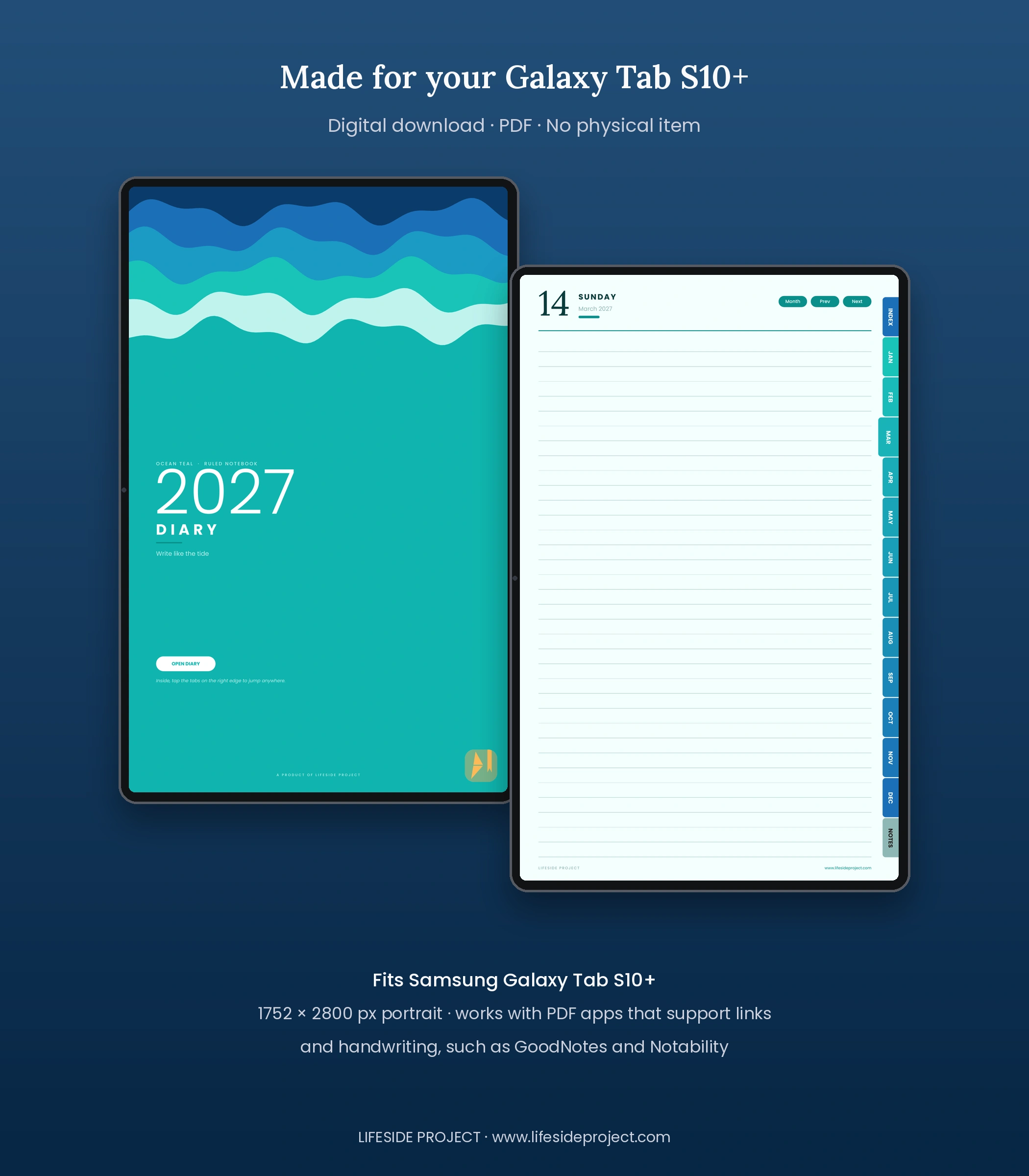
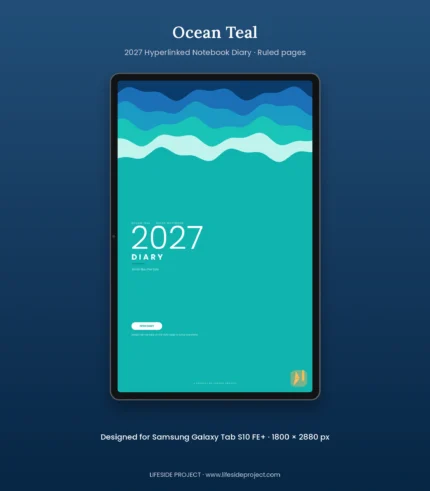
Some days need a long page. Others need a single line. The Ocean Teal Ruled Notebook 2027 Digital Diary gives you both: a clean, dated page for every day of the year, with nothing telling you what to write. Its teal cover, layered ocean waves, blue gradient tabs and a classic ruled writing page create a calm, flowing setting for daily notes, journaling and everyday thoughts.
Unlike undated notebook templates, this is a complete, dated diary for the 2027 calendar year. Move between its monthly calendars, 365 daily pages and 30 notes pages using built-in PDF navigation. Every daily page shows only the date and the day, on ruled paper.
What is inside
- 365 dated daily pages, each showing only the date and the day on a full page of ruled paper.
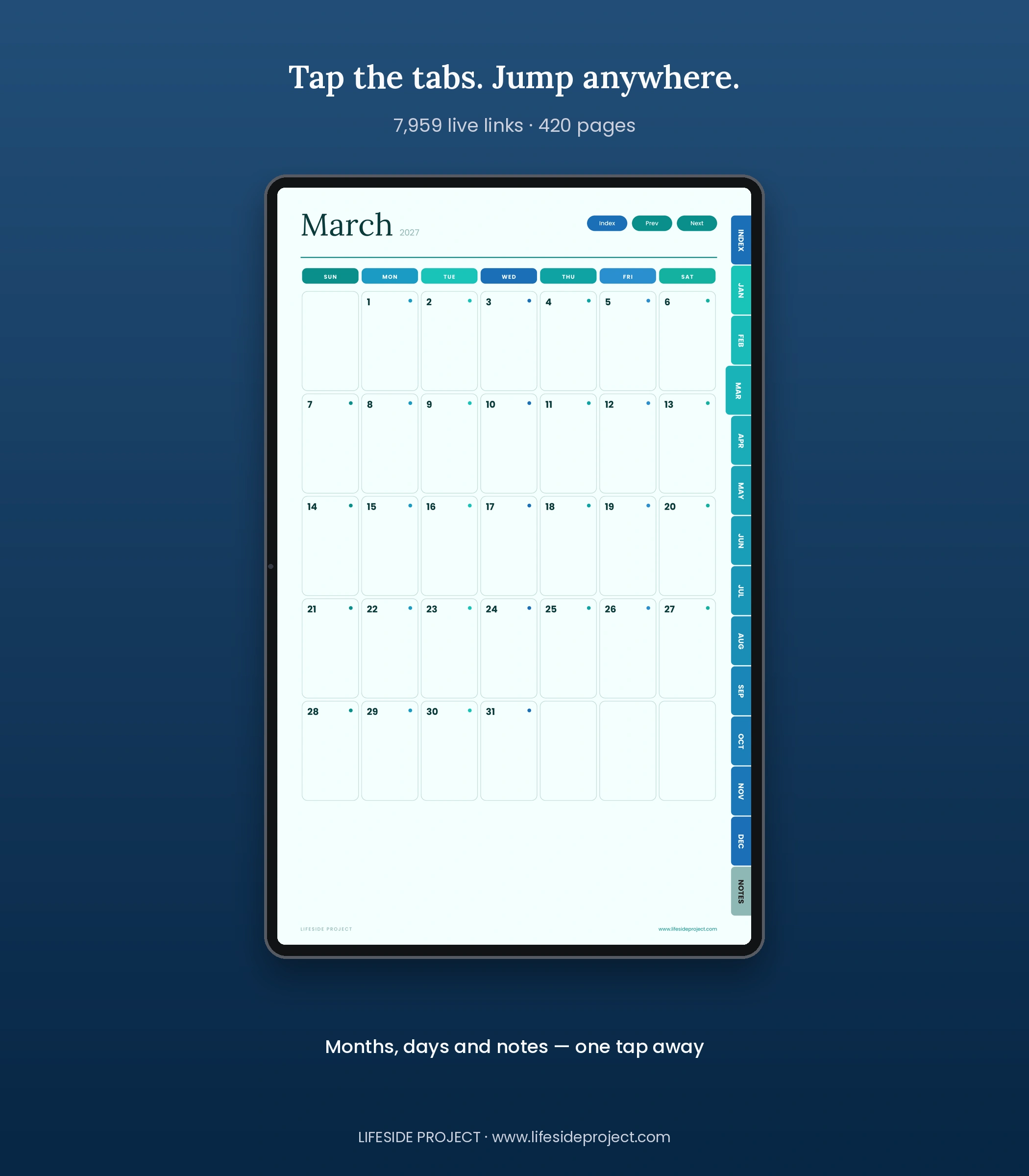
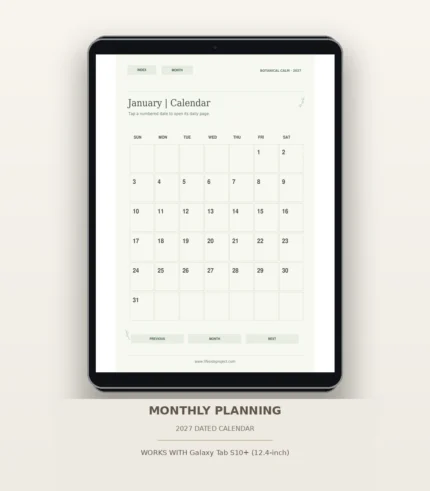
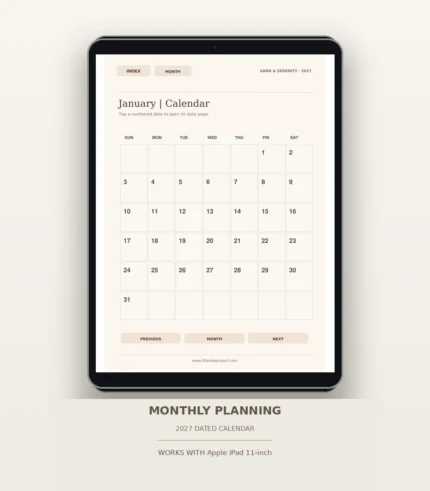
- 12 monthly calendar pages with a Sunday start, each date linked to its daily page.
- A title page, a usage guide and an Index with direct links to every month and section.
- 30 notes pages with their own index, on the same ruled paper.
- Colored side tabs on every page to jump to the Index, any month or your Notes.
- Closing pages with a thank-you note, a note from the founder and links to Lifeside Project.
- Navigation buttons (Prev, Next, Month and Index) to help you find your place.
Why Ocean Teal Ruled Notebook feels different
- Deep teal-and-blue visual design with layered ocean waves and blue gradient tabs.
- Plain, dated structure for 2027, with connected monthly, daily and notes sections and no pre-printed prompts.
- 7,959 embedded PDF hyperlink annotations (7,517 internal navigation links and 442 external link annotations).
- Portrait pages adapted to the Samsung Galaxy Tab S10+ reference size (1752 × 2800).
- Space to write freely, with nothing to fill in and nothing to skip.
Who it is for
For students, professionals, creatives, journal keepers and anyone who wants a plain, dated notebook for 2027 that stays out of the way of their own writing.
What you receive
One downloadable, 420-page Ocean Teal Ruled Notebook 2027 Digital Diary in PDF format, prepared for the Samsung Galaxy Tab S10+ reference canvas (1752 × 2800). This is a digital download; no physical item is shipped. A compatible app and device are required for handwriting or typed annotations.
How to use your diary
- Download and save the PDF to your device.
- Import the PDF into your preferred compatible PDF annotation or note-taking application.
- Open the Index and tap a month, section or navigation button to move through the diary.
- Write, highlight and annotate using the tools supported by your app.
- Keep a backup copy of your annotated diary in accordance with your app’s export or backup options.
A note about compatibility
This edition is designed for the Samsung Galaxy Tab S10+ size category at a 1752 × 2800 portrait reference canvas. The PDF itself is not a device-specific app. Display fit, link tapping, handwriting and annotation behavior depend on your tablet, operating system and chosen PDF app. Please check that your app supports interactive PDF hyperlinks and annotations.
Samsung Notes tip: switch from the pen to reading or view mode (or tap with your finger) before tapping a link, and note that link behavior can vary by app version and device; if a link does not respond, try opening the file in another PDF reader to navigate.


Reviews
There are no reviews yet.